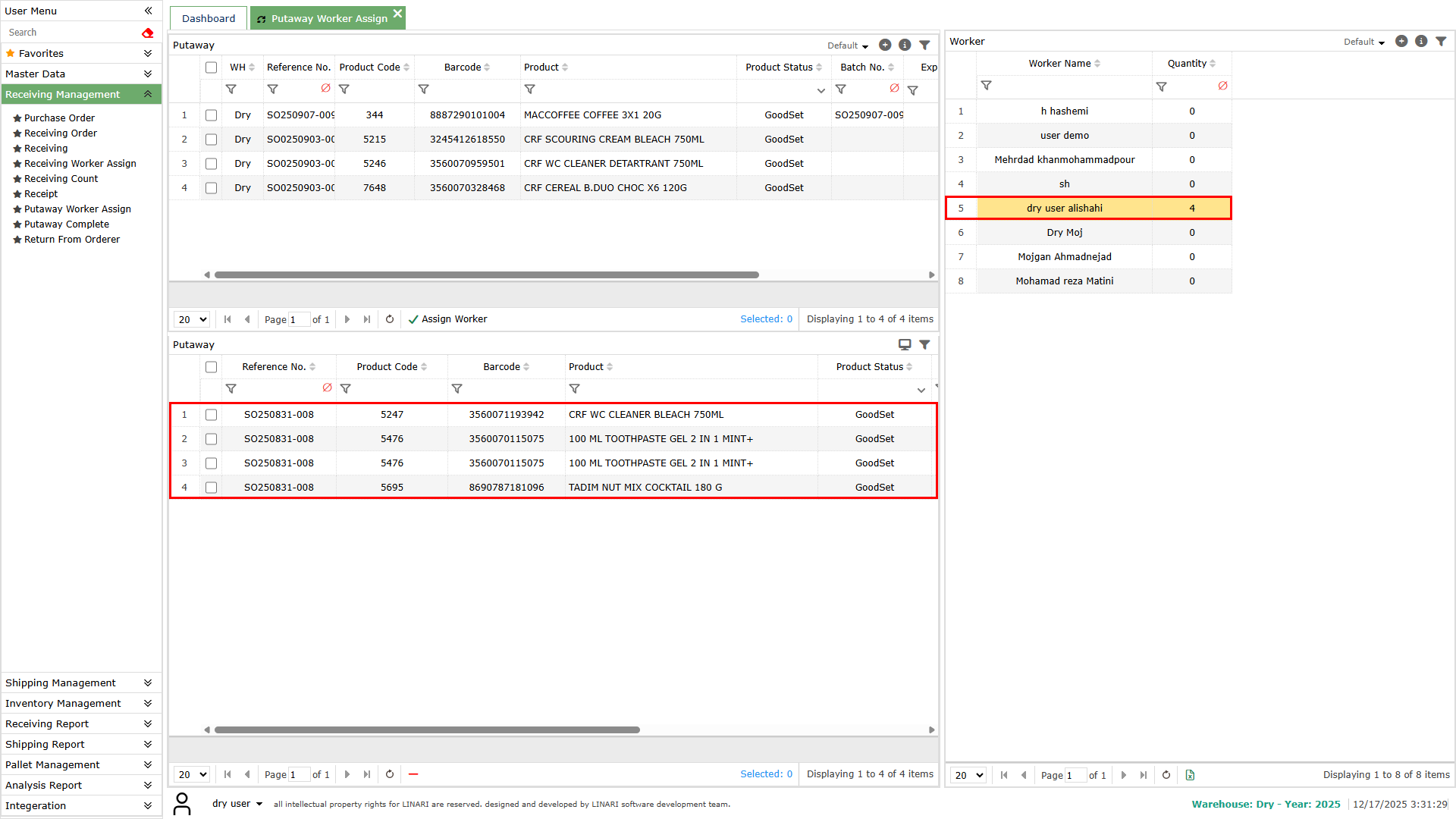
After receiving the shipments, counting and recording the details, it is necessary to place the goods on the warehouse shelves.
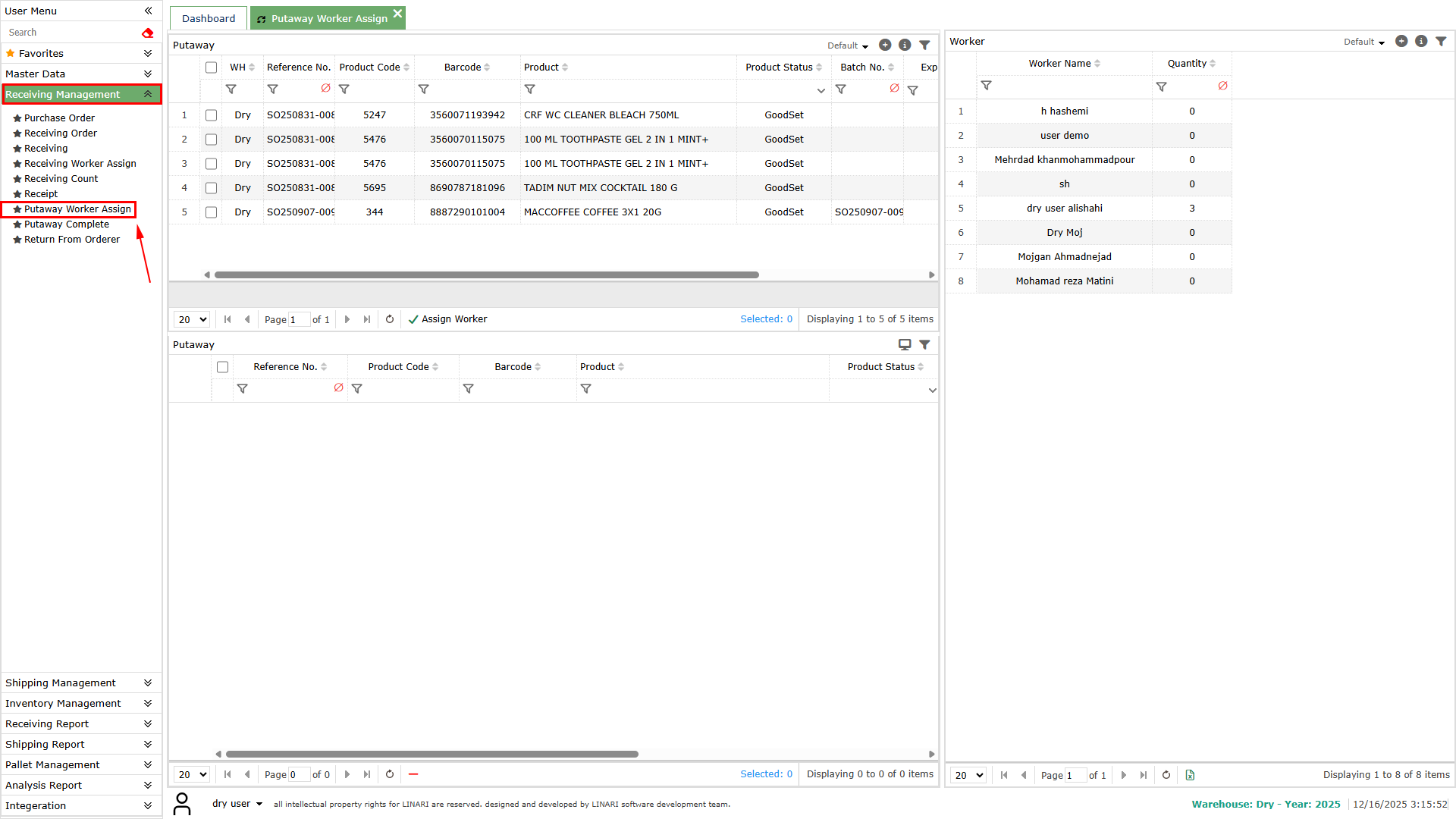
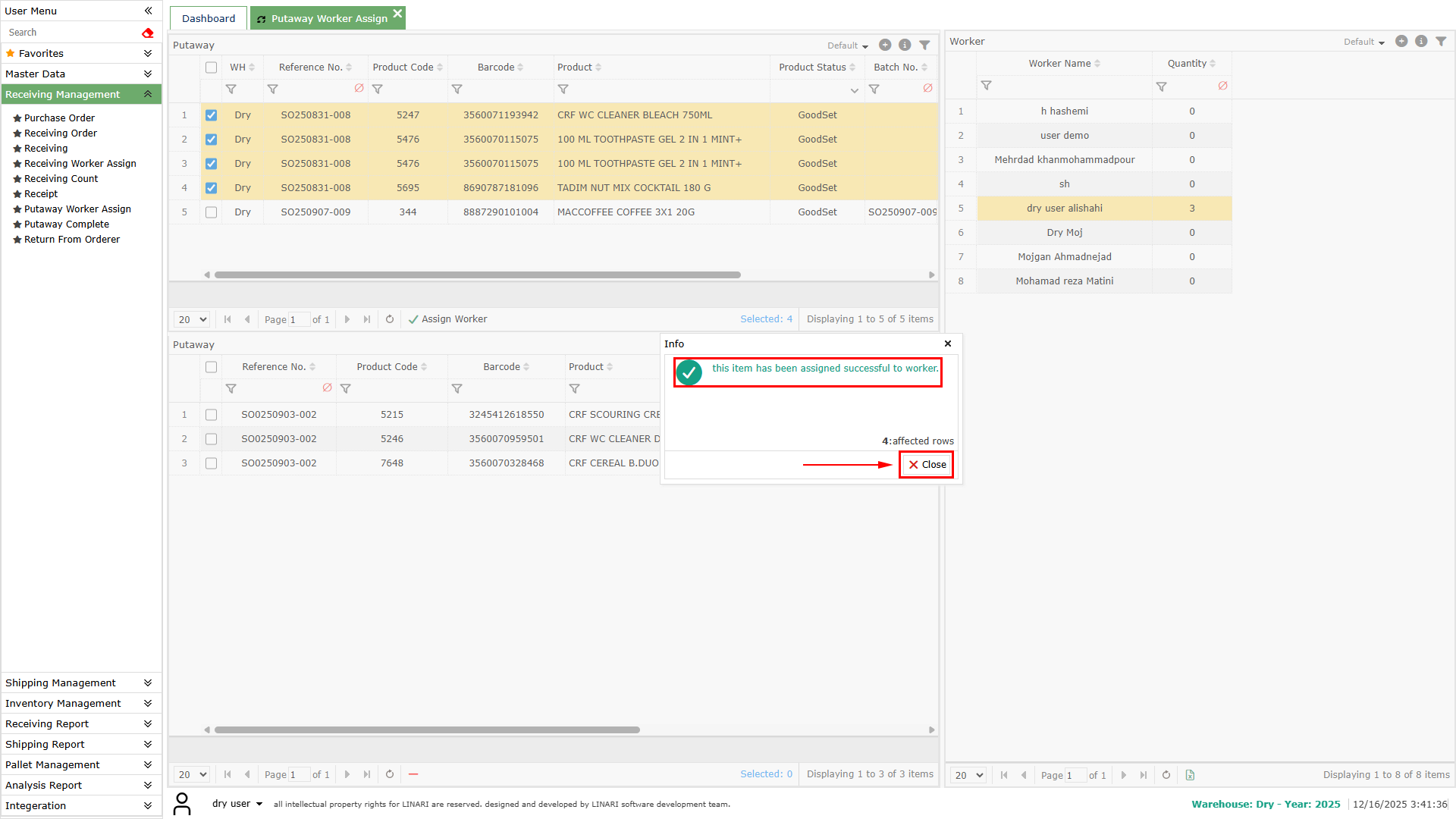
For this purpose, click on the Putaway Worker Assign menu. In the opened form, the list at the top shows the details of the counted items.
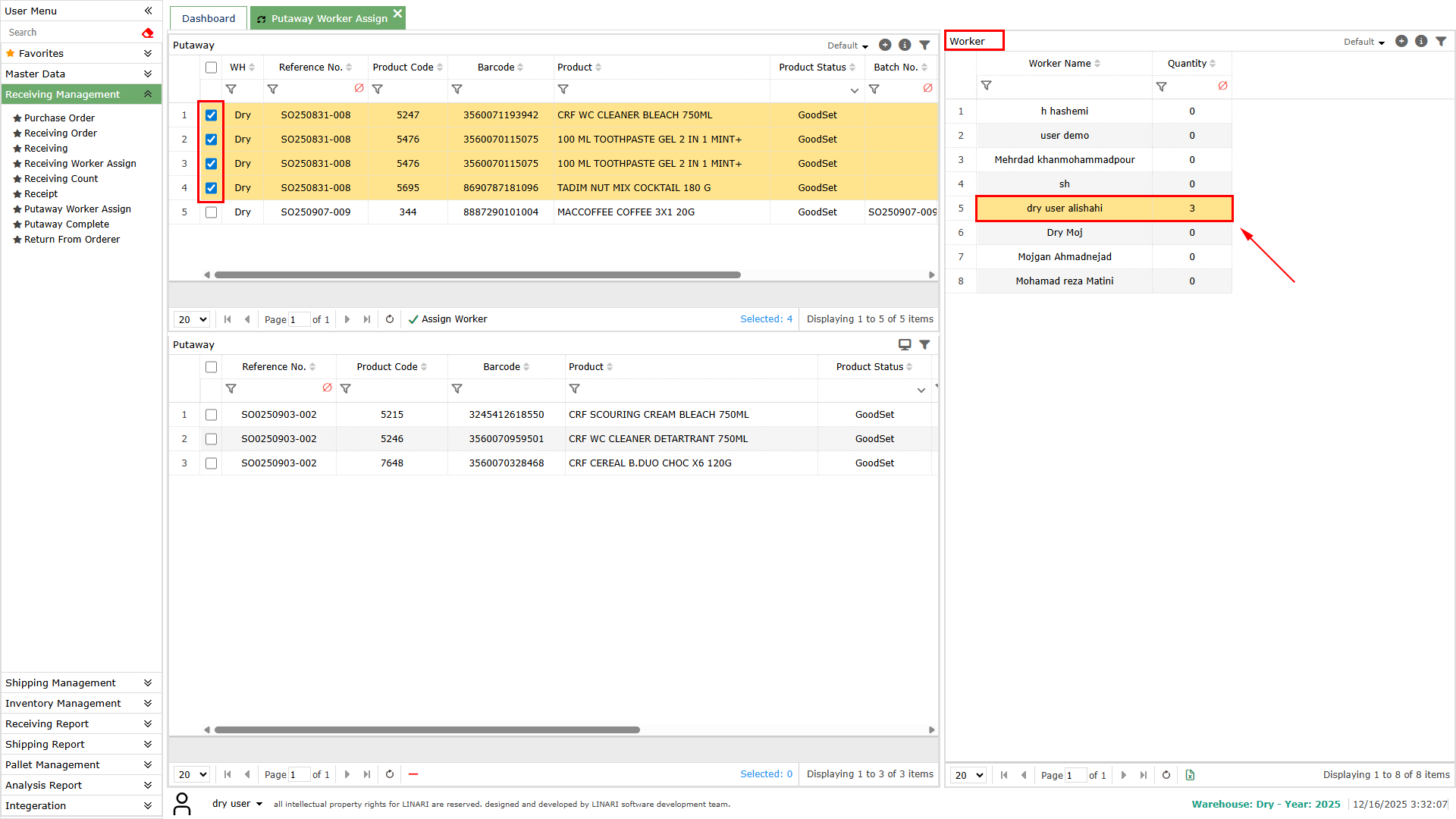
Select one or more items. then choose the desired warehouse worker from the list.
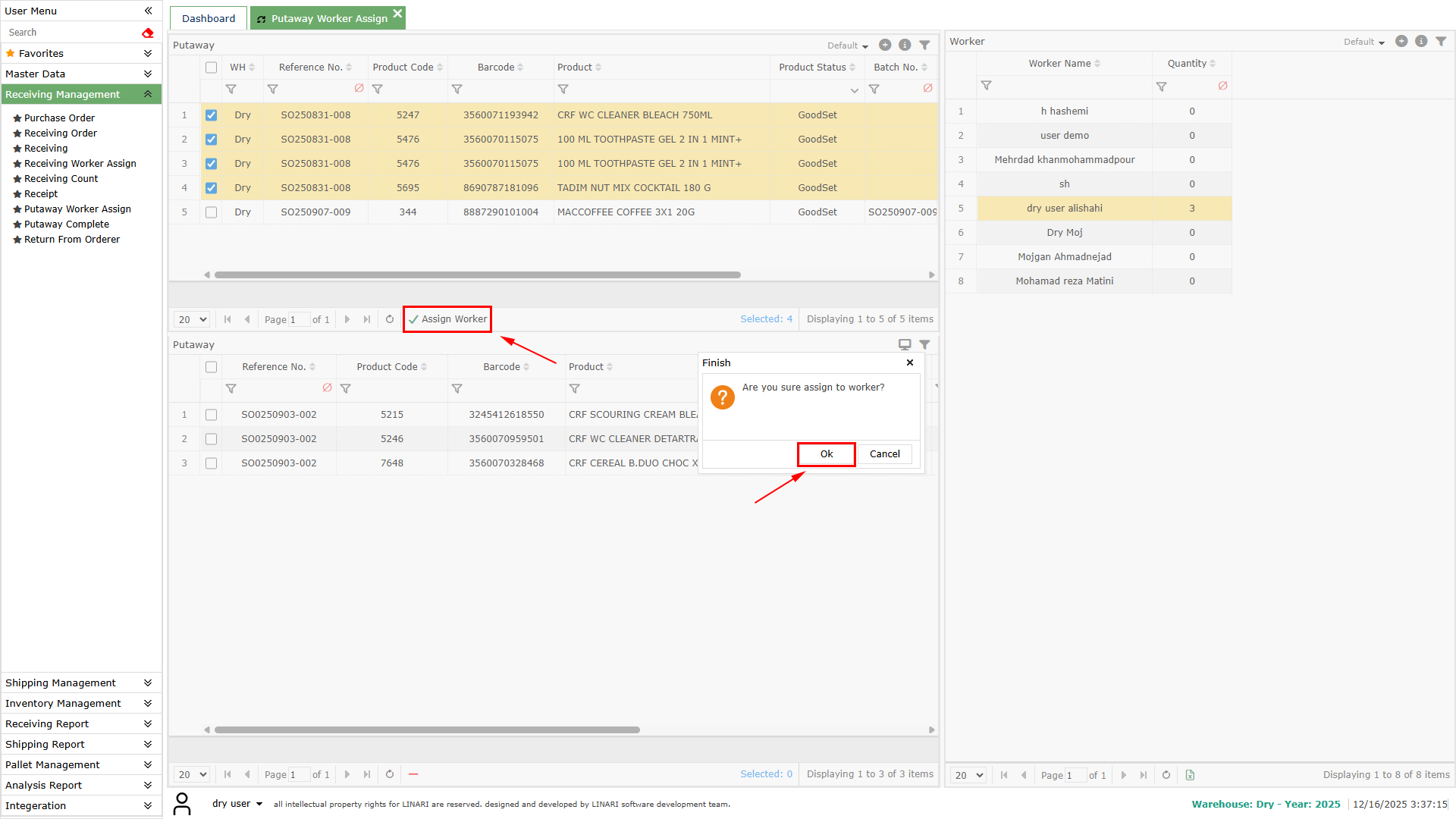
And by clicking the worker assign button, assign the task to that worker.
By clicking the button in the task list, you can remove a task from a worker.
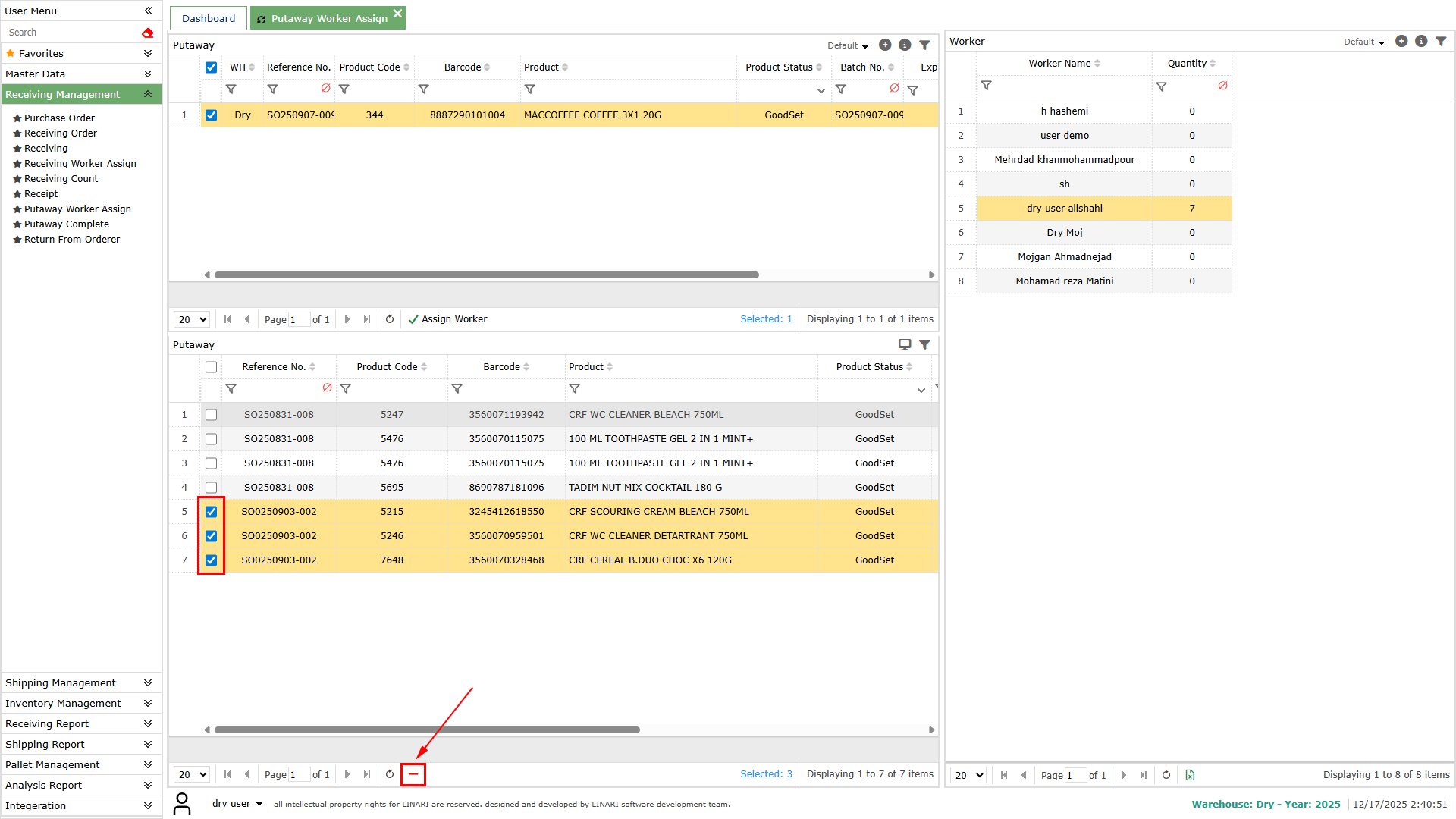
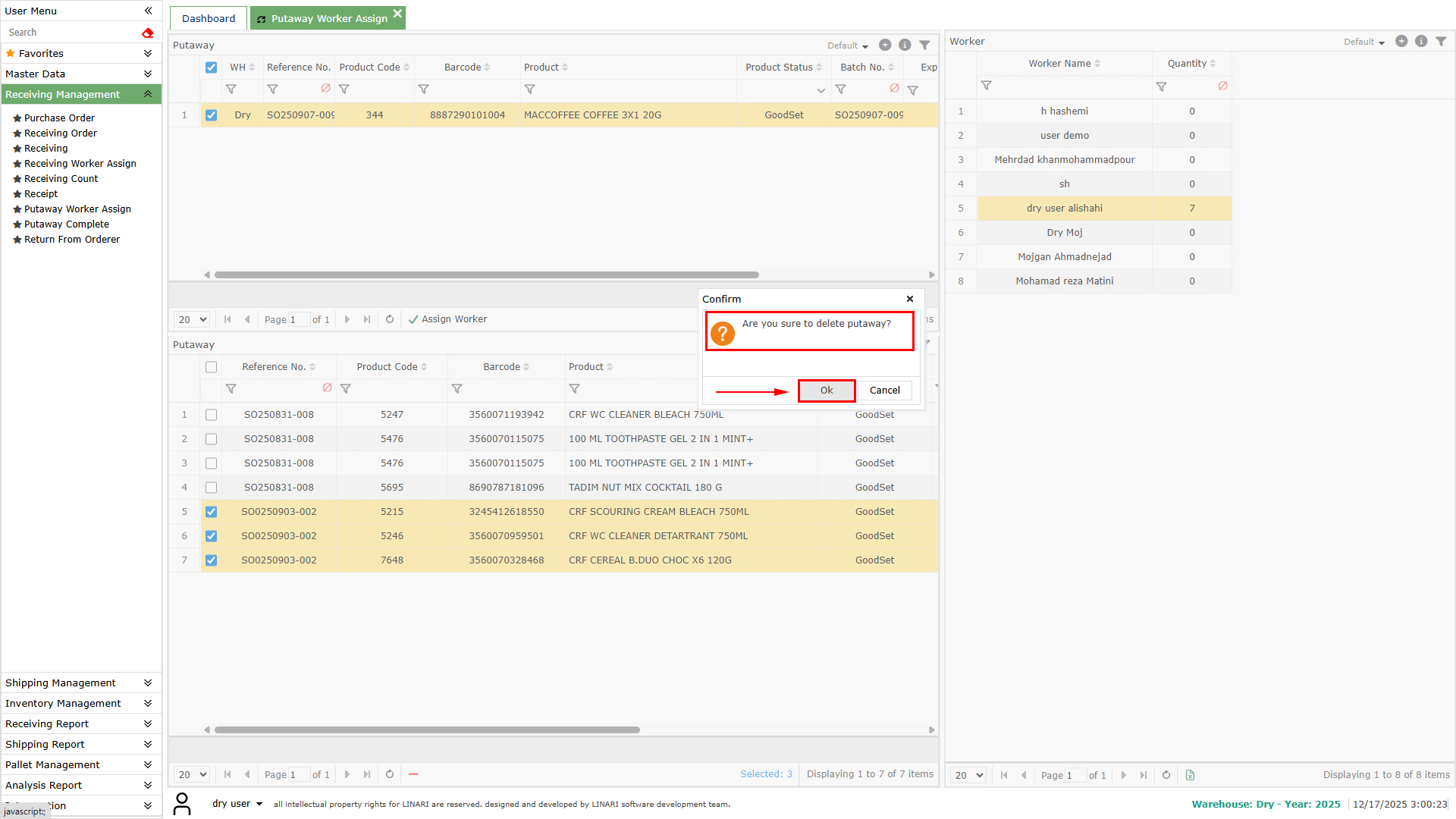
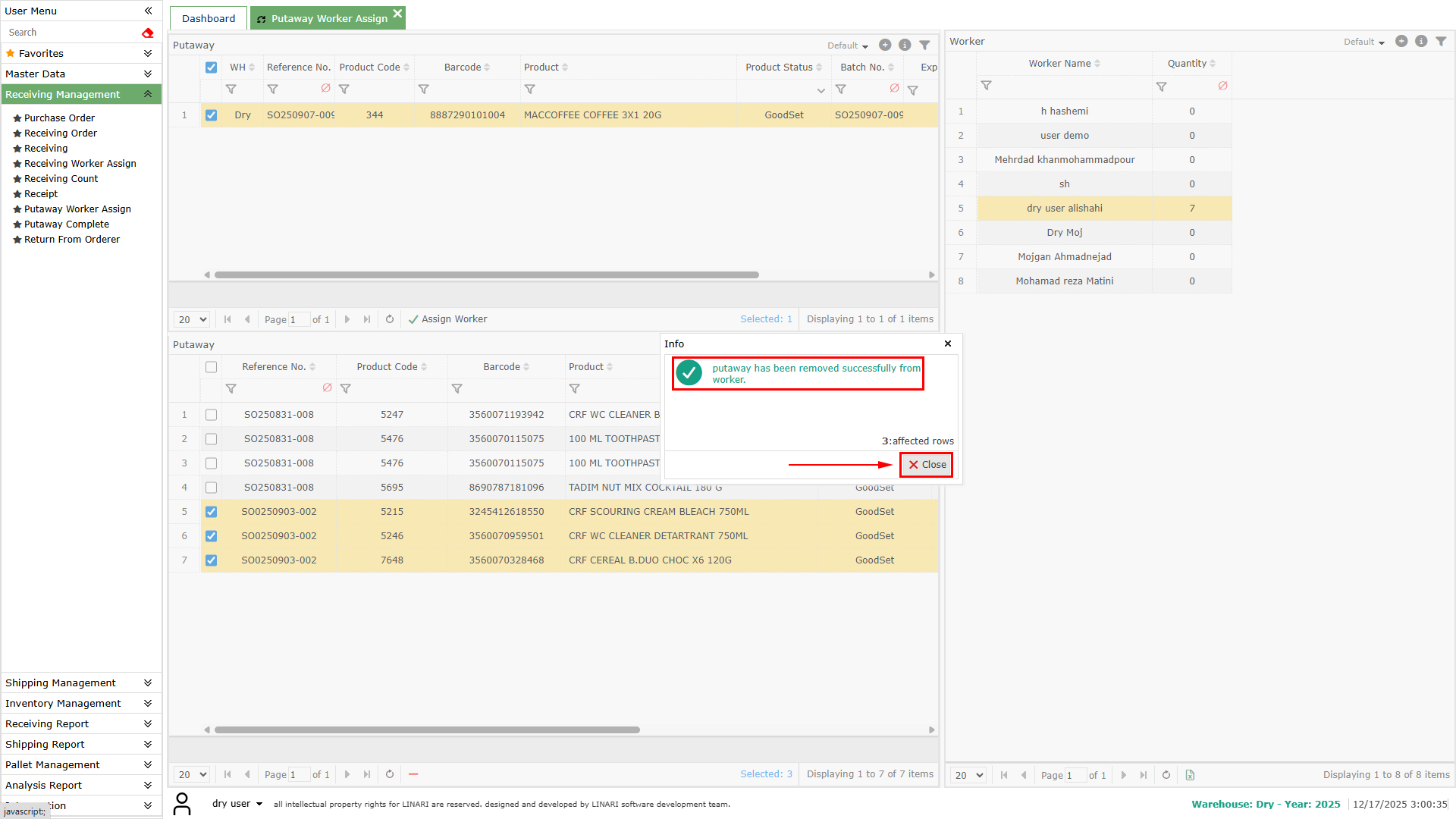
By clicking on each worker, you can see the list of tasks assigned to them. Once a task has been completed, it is no longer possible to take it back from the worker.